Joining the Discord
A Step-by-Step Guide

1.Create a Discord Account (if you don’t have one already):
Go to discord.com.
Click on "Login" in the top right corner.
If you don’t have an account, click "Register" and fill in your details (email, username, password)

2. Download the Discord App (optional but recommended for better performance):
You can download Discord for your computer, phone, or tablet.
On desktop, click the "Download" button on the homepage to get the app for Windows or macOS. You can also use Discord directly in your browser.
Once your account is set up, log in with your credentials.

3. Customize Your Profile:
You can change your username, profile picture, and set other preferences from the settings (gear icon near your username in the bottom left).
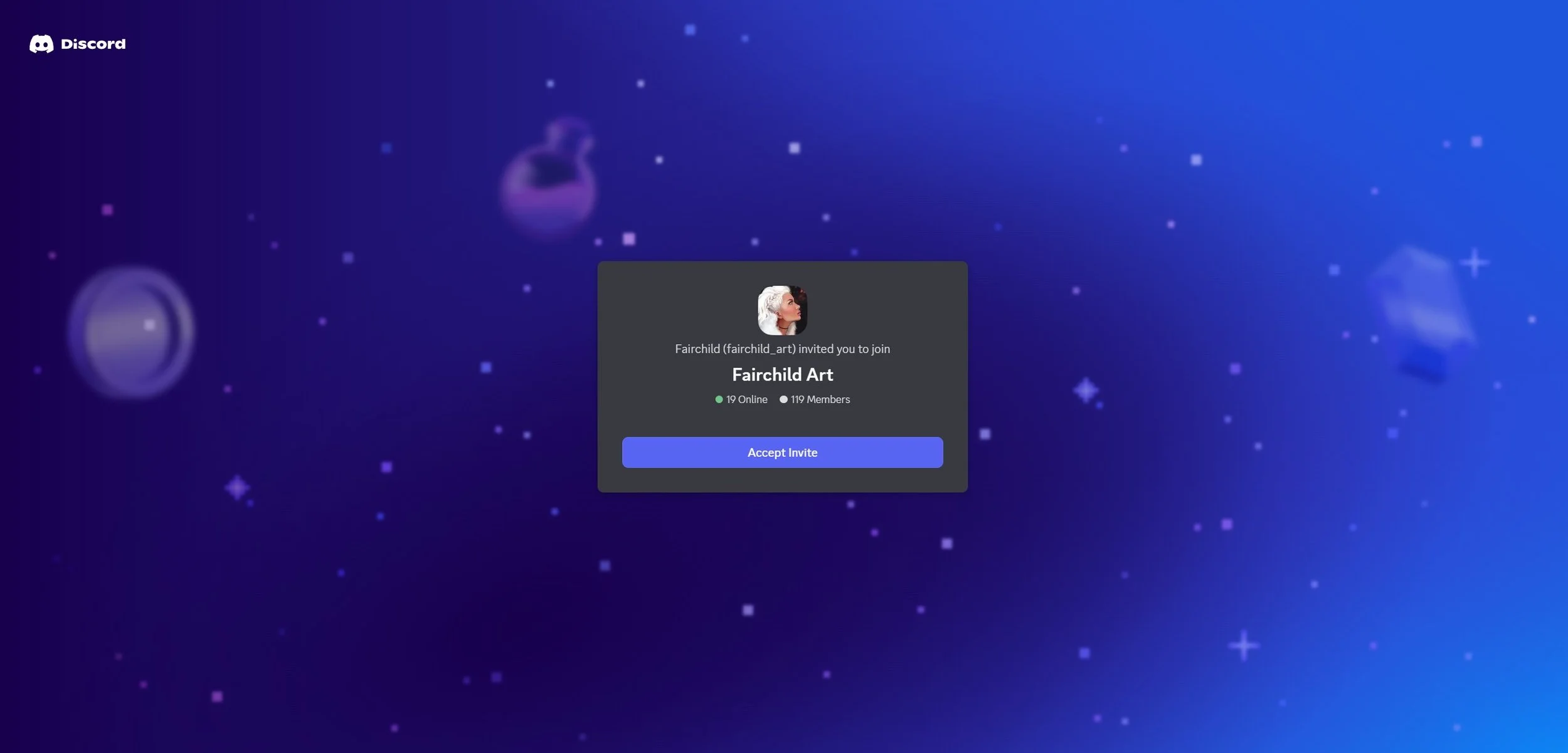
4. Join a Server:
To join a server, you’ll need an invite link. This link could be from a friend, community, or website. To keep the community welcoming and reduce spam/bots, Discord invitations are sent manually.
Once you have the link, click on it, and Discord will prompt you to either open the app (if installed) or join through the browser.
If you're using the app, click the “Join” button, and you'll be added to the server.
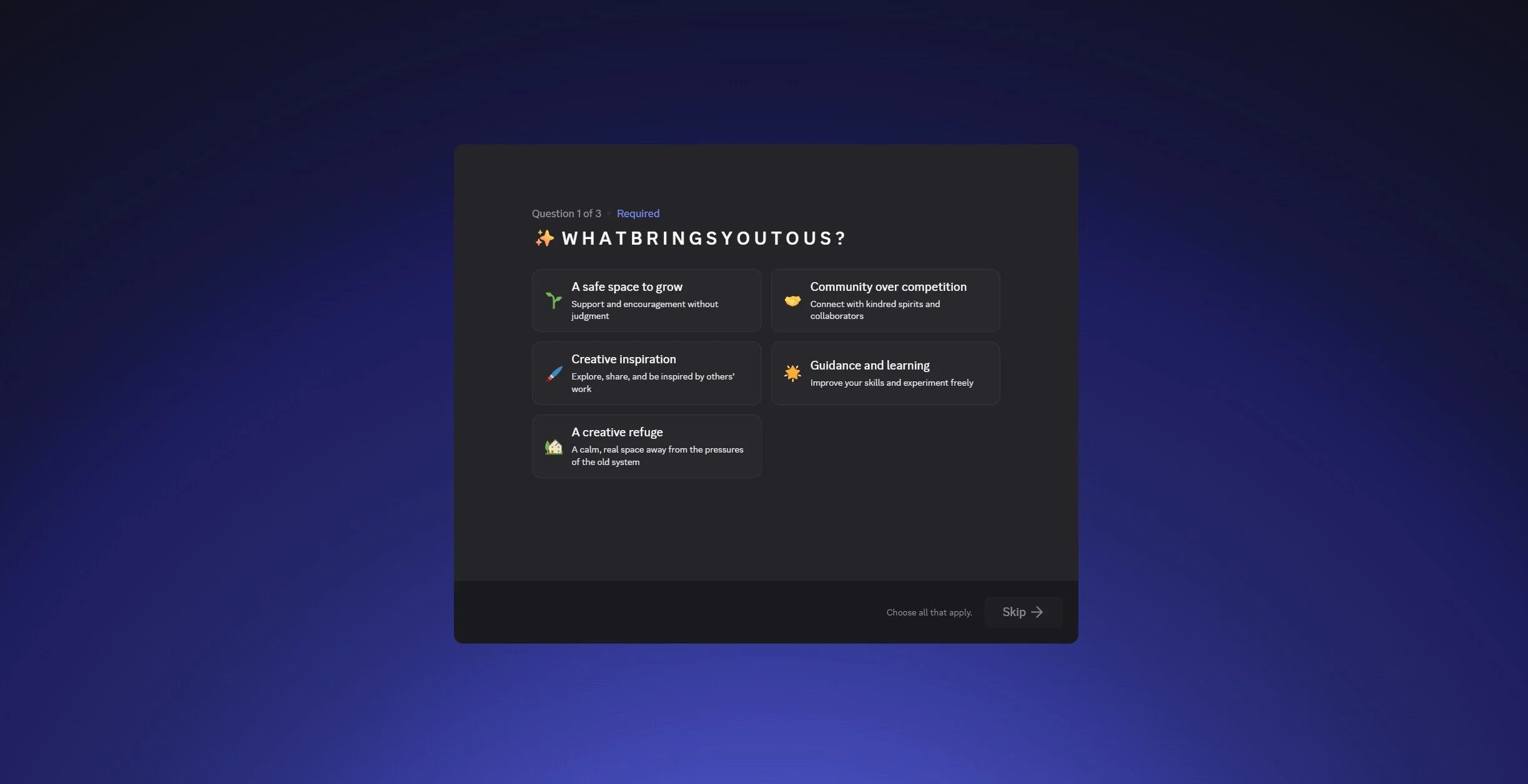
4. Complete the Onboarding:
Once you’ve joined the server, you’ll be guided through a short onboarding process. This helps us know a little about you and makes sure you have access to the right channels and roles for your interests. Don’t worry, it’s quick and easy!
Answer the Onboarding Questions
Choose Your Roles
Read and Acknowledge the Rules
Explore and Engage
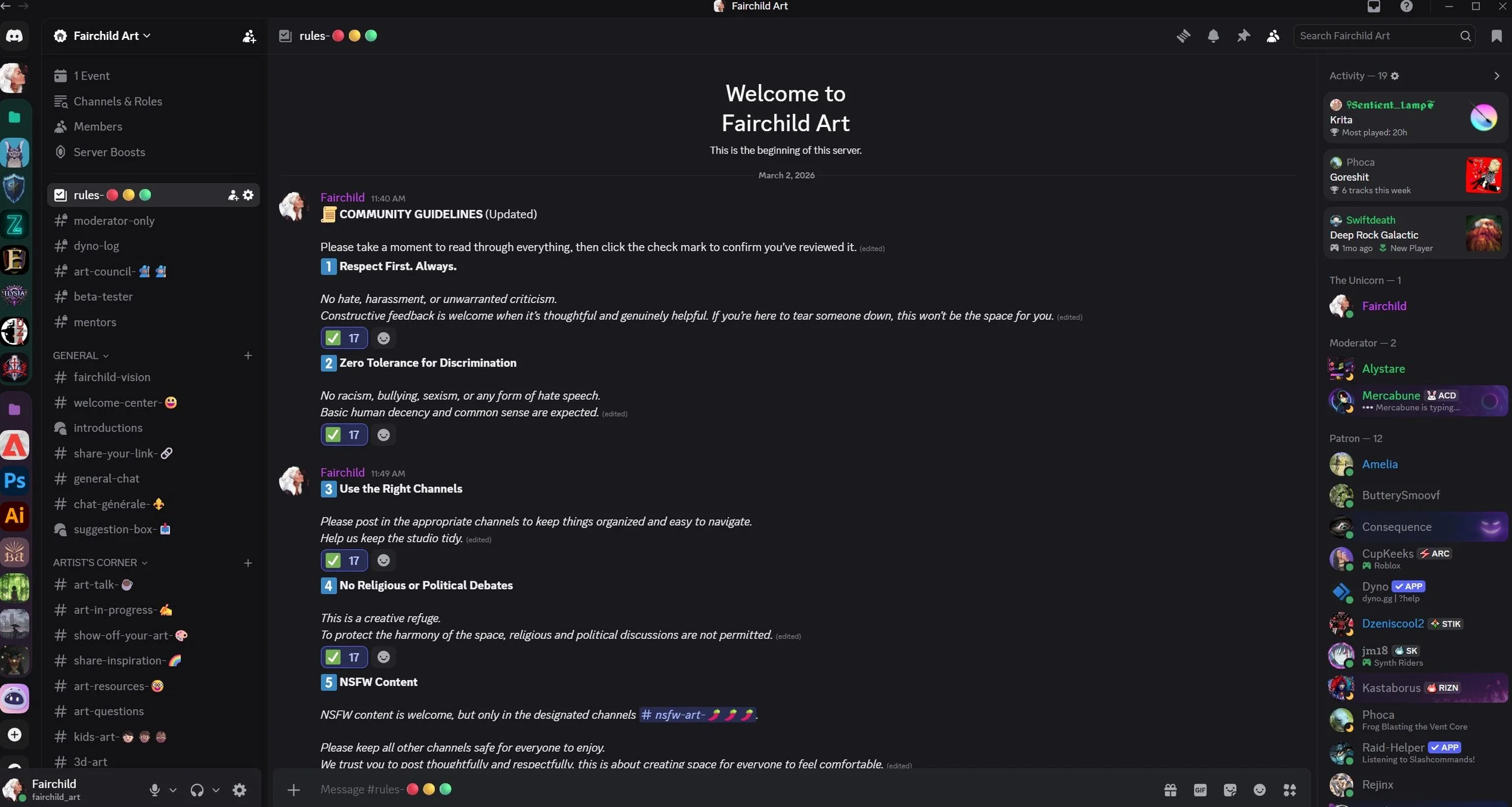
5. Interact in the Server:
Servers are made up of channels where users can chat. You can type messages, send media, or join voice/video channels.
People are friendly and helpful so don’t worry, you’ll fit right in!